
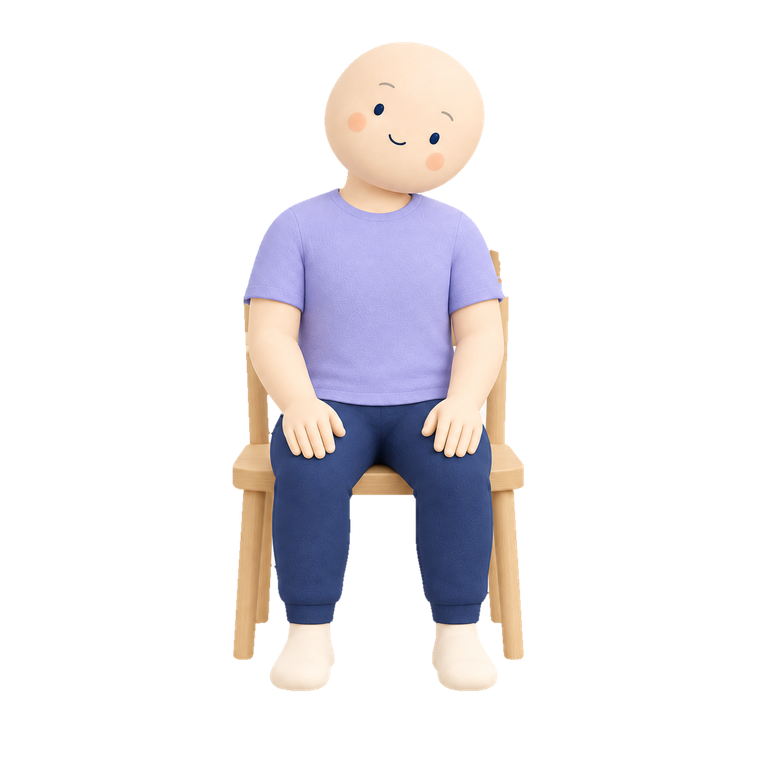
Neck
Ear-to-shoulder tilt
30 sec each side Stretching Timer
Get the app
Stretching Timer
Get the app
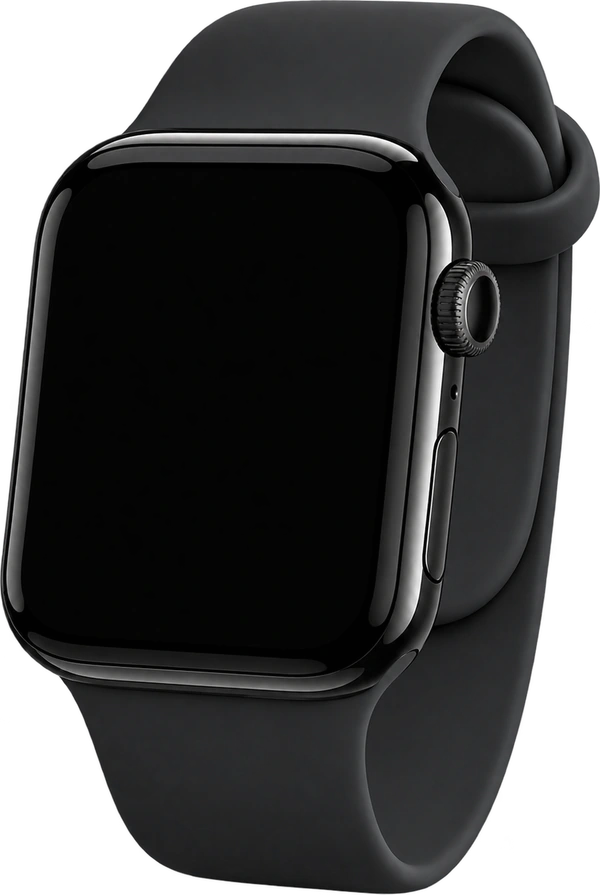
Let a tap on your wrist tell you when it’s time for the next stretch.
Works even if you only have an iPhone.
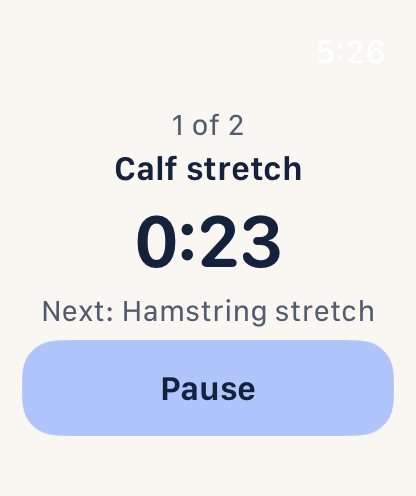
A little tap. Your next stretch.
Works even if you only have an iPhone.
Pick a stretch pack.
Make it your own.
Ear-to-shoulder tilt
30 sec each side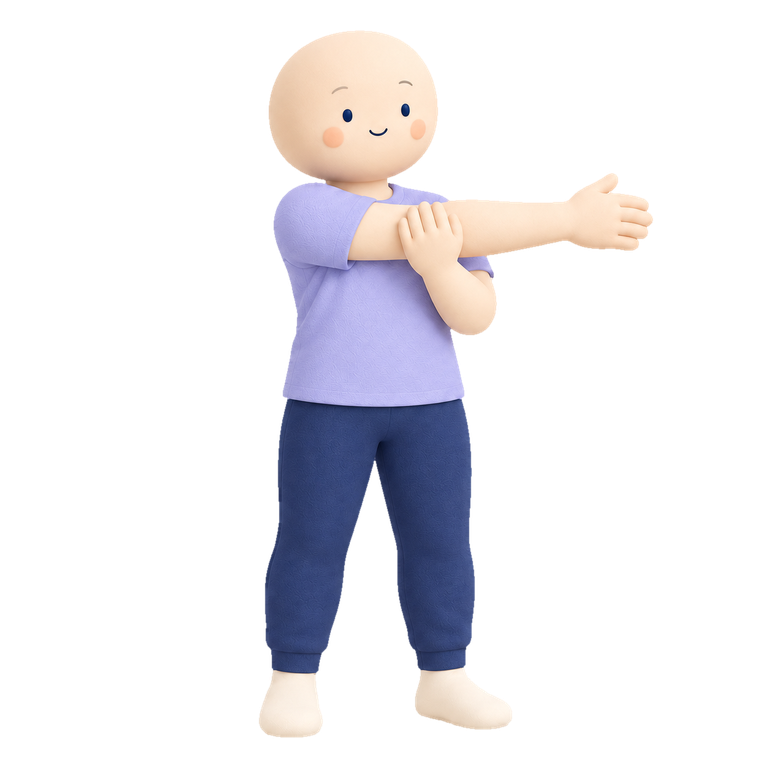
Across-body arm stretch
30 sec each side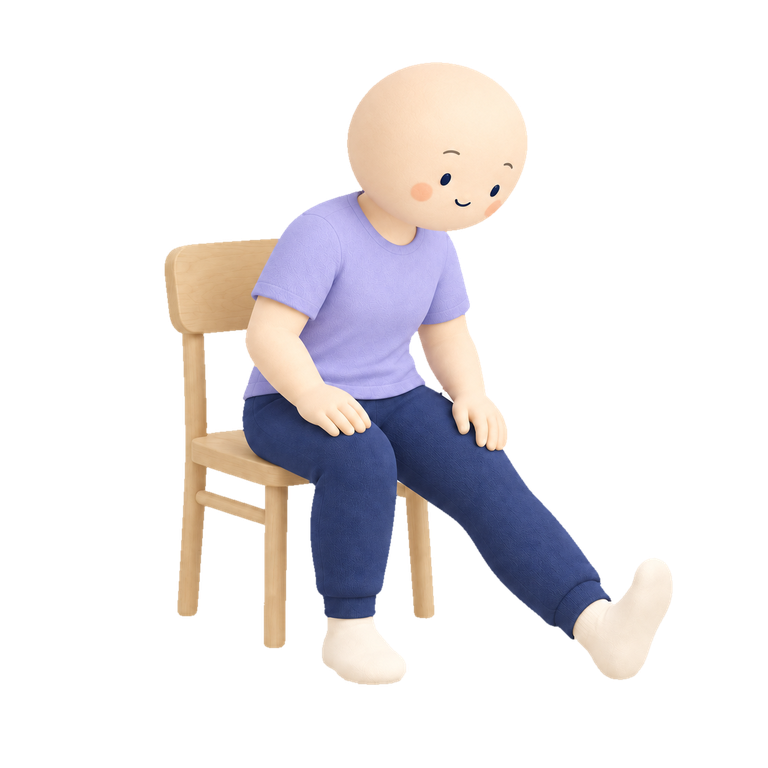
Seated heel-forward stretch
30 sec each sideChoose a stretch pack or add your own exercises on Apple Watch or iPhone. Set your hold and rest times, then save your routine.
Start on Apple Watch. Feel a haptic cue when an interval ends, so you can follow your sequence without watching the timer.
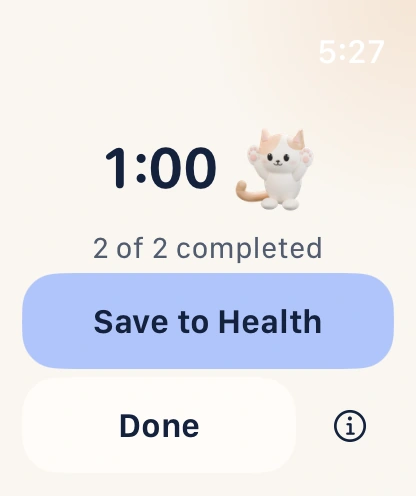
Let the queue advance automatically, or tap Next when you’re ready. Save to Apple Health only when you choose.
Create, edit and run your routines entirely on Apple Watch. Prefer your phone? The iPhone app works on its own too, with stretch packs, saved routines and a timer. Use either device, or both together.
Check the illustrated setup cues before you begin, or tap the stretch on your Watch to see the instructions.
Heel down. Toes up.
Hinge gently forward from your hips.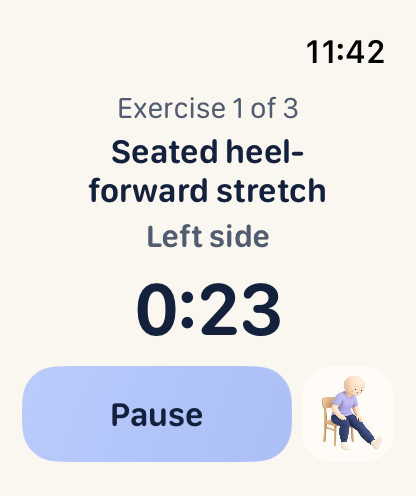
Tap the stretch on your Watch for its setup cues.

Between meetings. After a run. Before bed.
Make room for the routine that works for you.
Yes—set up a sequence of stretches you know, start it on Apple Watch, and use the haptic cues to follow each interval. In automatic mode, the queue moves on for you. In manual mode, you tap Next or Finish on your Watch when you’re ready.
You’ll still use a screen to set up and start the session. Stretch packs include illustrations and setup cues you can check before you begin. The app times your routine; it doesn’t recognise movements or give spoken instructions.
No. You can build routines and run the timer on iPhone alone. For screen-free timing, use Apple Watch: wrist taps tell you when each stretch ends. You can create and start routines directly on your Watch without using the iPhone app.
The iPhone app requires iOS 26 or later. The Watch app requires watchOS 26 or later.
Saving a finished session is your choice. Tap Save to Health on the summary screen and grant the required permission. You can also finish without saving. Your Health data is not sent to us.
No account is needed. Routines and recent sessions stay on your devices, and the app shares the relevant session data between your paired iPhone and Apple Watch. Read more in our privacy information.
Yes. Choose an annual or monthly subscription to start stretching sessions. Eligible subscribers can start with seven days free on the monthly plan, then continue at the monthly price. The app shows your local price, trial eligibility and renewal terms before you subscribe.
Subscriptions renew automatically unless canceled. Restore purchases or manage your subscription in the app’s Settings.
Get Stretching Timer on the App Store for Apple Watch and iPhone. Use the app on either device, or both.

For Apple Watch or iPhone.
Seven days free on the monthly plan for eligible subscribers. See local pricing and terms in the app.